


At the recently held pre-I/O Android Show, Google would have you believe it wants you to spend less time looking at your phone and more time doing the things you love. I’m not buying it.
Don’t get me wrong – I wholeheartedly believe that the company wants you to spend less time doomscrolling or inanely flicking through your home screens during your spare moments. Its engineers might even genuinely believe that such behaviour is unhealthy.
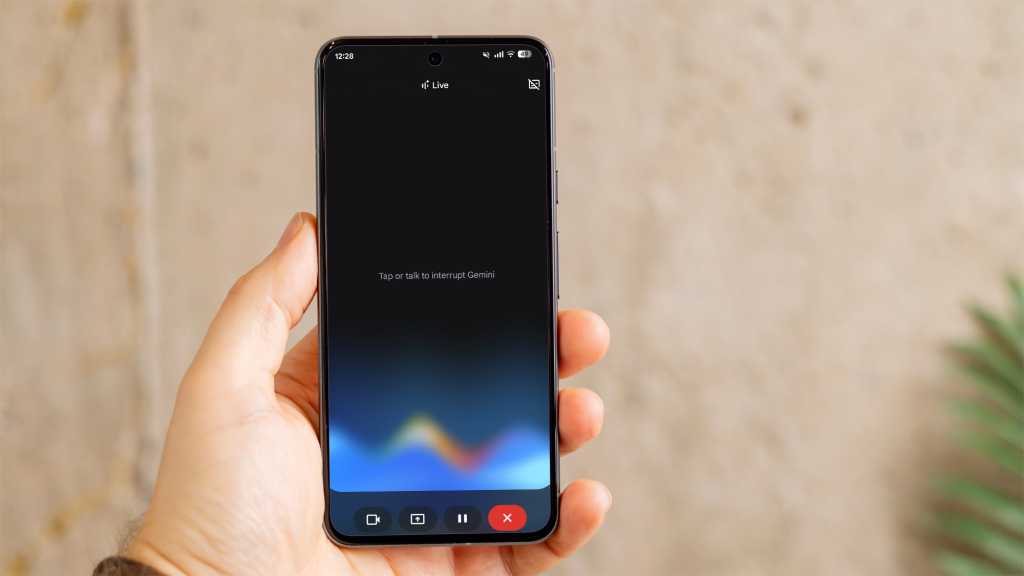
But I don’t think Google as a whole wants you to use your phone less, as such. It just wants you to divert your time – or rather your resources – to its rapidly developing Gemini AI assistant.
Pause for thought
Without wishing to get too ‘inside baseball’, as our American friends would put it, an overview of the pre-event press materials proves instructive on this matter.
Of the nine brief talking point summaries the company made available to the press through Google Drive (right underneath the banner offering me Gemini Pro at half price), just one was wholly focused on the problem of excess phone usage.
I’ll need to go hands-on with the feature before I make any firm judgments, but Google’s new ‘Pause Point’ feature feels like a half measure at best.
It’s a feature that promises to give you a 10-second breather whenever you enter a “distracting app” (I’ll be interested to see if Google counts any of its own among this vaguely defined group), offering you the opportunity to reflect on your actions. You’ll be given the chance to do a short breathing exercise, set a timer to limit your scrolling, listen to an audiobook, or view some photos.
Pause Point feels weak, and doesn’t really address the core problem of addictive app design in a meaningful way
Yes, it’s essentially Google’s own take on one of the many third-party app blockers that have been on the market for years, including Opal and One Sec. But Pause Point feels weak, and doesn’t really address the core problem of addictive app design in a meaningful way. Requiring a phone restart to turn the feature off is about as strong as it gets.
Gemini in everything
Regardless of Pause Point’s virtues (of which I hope to be convinced), the rest of Google’s show is given over to features that make it easier and indeed more desirable to use your phone.
Quick Share is getting better at letting you share stuff between devices (and indeed platforms), Android Auto wants to extend your screen-prodding time into the car, and 3D emoji… well, I’m not sure what that hopes to achieve.
But really, it’s all about Gemini. Googlebook might look like a development of the Chromebook concept, but it’s also Google’s attempt to insert its AI assistant into your mouse pointer.

Gemini Intelligence is the really big play here, however, and it perhaps illustrates my point better than any other.
Google’s new development of its Gemini assistant will be able to interact with apps – both its own and third-party – to take care of repetitive processes for you. Have Gemini book you into a gym class, snag you some concert tickets, hail you a cab, find and order the books you need for your new term, turn your shopping list into a checkout cart, plan a detailed holiday itinerary and much more.
Gemini in Chrome will be able to fill in online forms and book appointments for you, and will even conduct web research on your behalf.
The vision, quite literally, is that you use your phone less… by using Gemini more
Essentially, Google’s angle here is that its Gemini assistant will take all the tedious grind out of phone usage so you can focus on the stuff that really matters to you. The vision, quite literally, is that you use your phone less… by using Gemini more.
Google might not have so much of your attention in this new way of doing things, but that won’t matter. It’ll still have your data, and potentially your monthly subscription fee, which are the truly valuable resources here.