


Summary created by Smart Answers AI
In summary:
- Tech Advisor outlines seven essential methods to prevent smartphone overheating, which can cause performance issues, battery degradation, and even explosion in extreme cases.
- Smartphones function optimally between 0-35°C, making protection crucial during hot weather through avoiding direct sunlight, limiting usage, and storing devices properly.
- Key prevention strategies include keeping phones in bags, avoiding graphic-intensive games like Call of Duty outdoors, updating software, and cooling overheated devices safely without refrigeration.
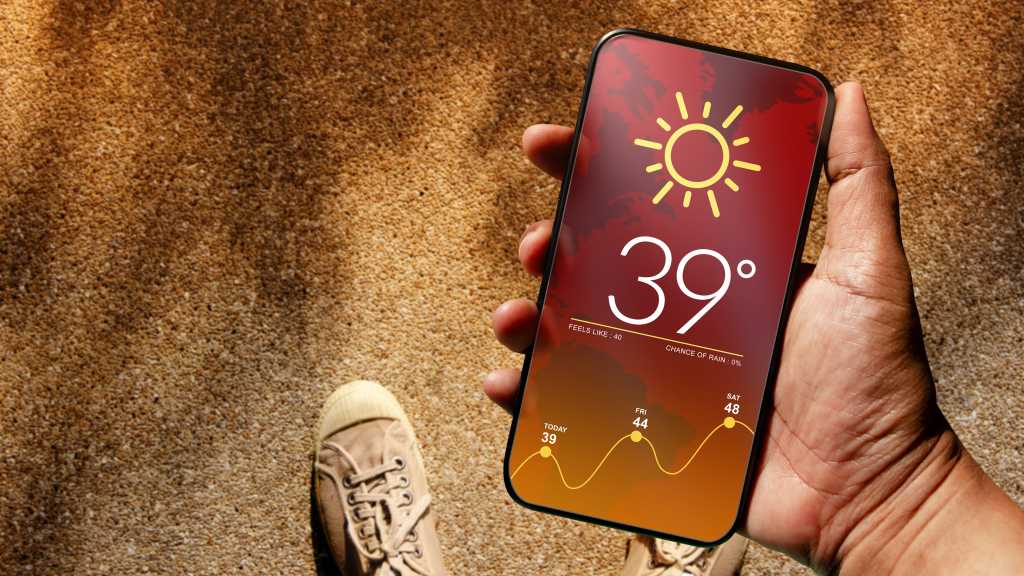
After a patchy start to May, it looks like the UK summer has arrived.
The upcoming heatwave coincides perfectly with a bank holiday and half-term at many schools, meaning many of us will have lots of time for fun in the sun.
But with temperatures potentially peaking at 30°C, it’s vital that we all take steps to stay safe. You probably know what these are for you and your children – a wide-brimmed hat, sunglasses, plenty of sun cream, staying well hydrated, seeking regular shade and avoiding the harshest midday sun.
What about your phone, though? Most smartphones are only designed to operate in ambient temperatures between around 0° and 35° C (32° to 95° F) – anything hotter than that, and you’re risking long-term damage.
And there are plenty of things that could go wrong, including reduced performance, display issues and a loss of battery life. In extreme cases, the battery can even explode.
So, how can you visit a hot country with your phone and avoid this happening? Here are seven ways to stop your smartphone from overheating, plus what to do if it’s too late.
Avoid direct sunlight
Humans shouldn’t be in the sun for long periods without any shade, and the same applies to a phone.
When not in use, keep your phone away from direct sunlight, either in a bag or pocket. If you absolutely need to use it while in the sun, aim to spend as little time on it as possible.
It doesn’t have to be a phone-free trip by any means – once the sun has set or you’re back in your hotel room, you don’t have anything to worry about.
Foundry
Keep your phone separate from other tech
Keeping your phone in a bag is better than direct sunlight, but if there’s other tech in there, it’s far from ideal.
All those devices will be heating each other in there, which is bad news for your phone.
If you also want to take your tablet, laptop or e-reader with you, try to separate them and keep each on a flat surface where possible, which will help them to cool down.
Reduce screen brightness
You’ll probably need high brightness to see your phone in the sun, but don’t keep it that way for long.
Consider turning off auto brightness in Settings, then reducing it to the absolute minimum that still allows you to see it. This will help to limit the build-up of heat.
Avoid gaming or other demanding tasks
While you’re out in the heat, it’s best to limit your phone usage to the essentials, including calls and texts, navigation and taking photos.
Your phone is probably capable of a lot more, but only in optimal conditions. So, don’t try playing Call of Duty or PUBG while out and about – you’ll only regret it.
Graphic-intensive games are known to be one of the most demanding things you can do on a smartphone, which will cause it to heat up quickly.

Luke Baker
Only charge in a cool environment
Another thing that quickly builds up heat is charging. It’s an inevitable byproduct of supplying power to the device, but that makes it a bad idea in situations where your phone is already likely to overheat.
Despite usually being at a lower wattage, this also applies to portable chargers, or power banks, as they’re sometimes known.
Unless it’s absolutely necessary, wait until you’re in a cooler environment (such as an air-conditioned room) before charging your phone.
Avoid fast charging
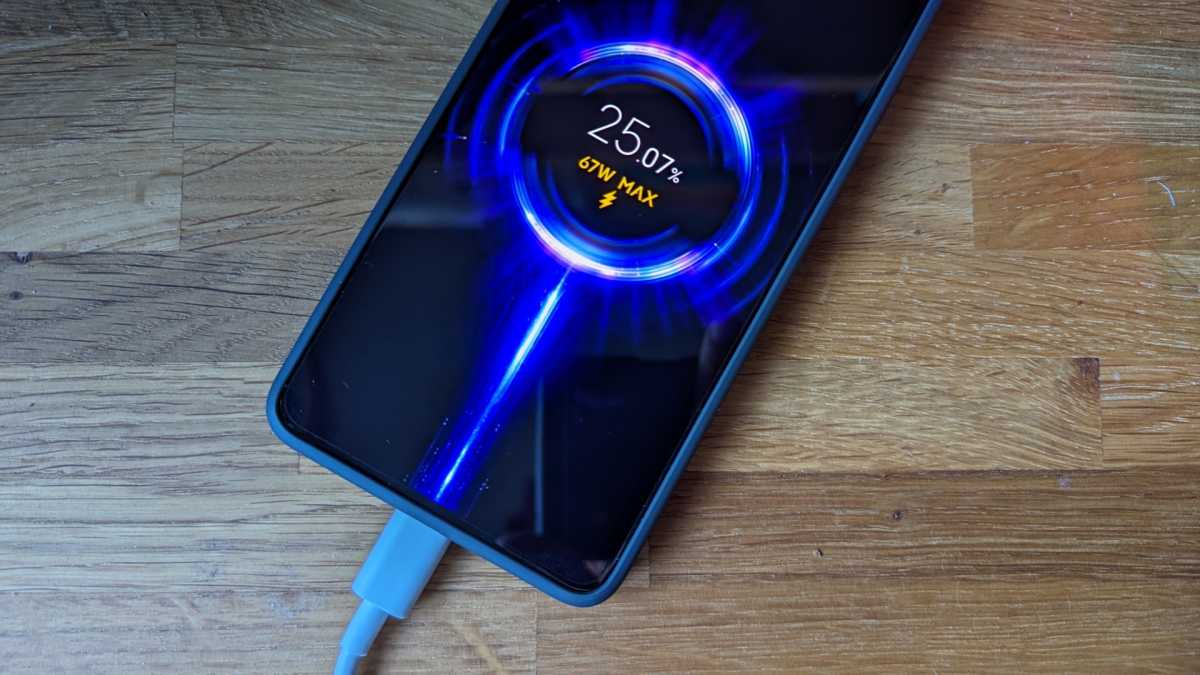
The faster a phone charges, the more heat is produced. Even if your phone supports super-fast 80- or 100W charging, something slower is preferable in hot conditions.
Chris Martin / Foundry
If possible, use the official charger that’s designed to work with the phone. If yours doesn’t come with a charger in the box (as is often the case these days), it’s safer to go for something with a lower wattage than a higher one.
Close background apps and turn off unnecessary settings
If your phone is continuing to work hard even when the screen is turned off, it’ll be more prone to overheating.
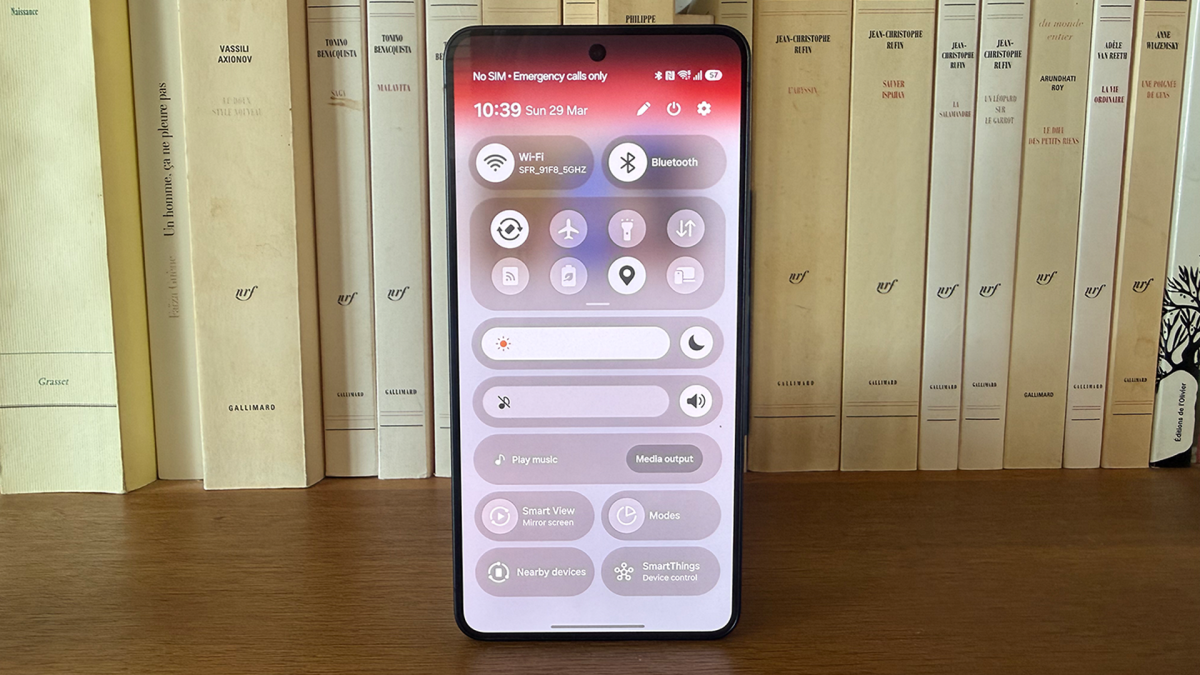
With that in mind, try turning off anything that’s not absolutely necessary. Think apps running in the background, Wi-Fi/mobile data, Bluetooth, and location services.
Adam Smith / Foundry
What to do if your phone is overheating
Maybe you’ve got a warning on your phone saying it’s too hot, or it just feels uncomfortably warm to the touch. Either way, you need to get your phone to cool down.
As tempting as it might be, avoid trying to cool it down as quickly as possible. A trip to the fridge or freezer will do more harm than good.
Instead, put the phone in a cool, dark place, and remove the case if it’s in one. For an extra boost, all the tips outlined above remain relevant here.
Then be patient – it may take a while for the phone to return to a normal temperature, but don’t try to rush it.
Once your phone is back working again, it’s worth downloading and installing all available apps and system updates. Sometimes, a bug can cause a phone to overheat more quickly than it otherwise would.
If that hasn’t worked, and you’re noticing issues with your phone, it could be bad news. Before you give up, look up your issues online or consider asking a phone repair shop near you to take a look at it. Some fixes can be simpler than you might think.
But if the damage has been done, you’ll need a replacement. As our best budget phones guide shows, you don’t have to pay a lot of money, but mid-range and flagship phones are also worth considering.